One sentence in. The campaign out. You approve every word.
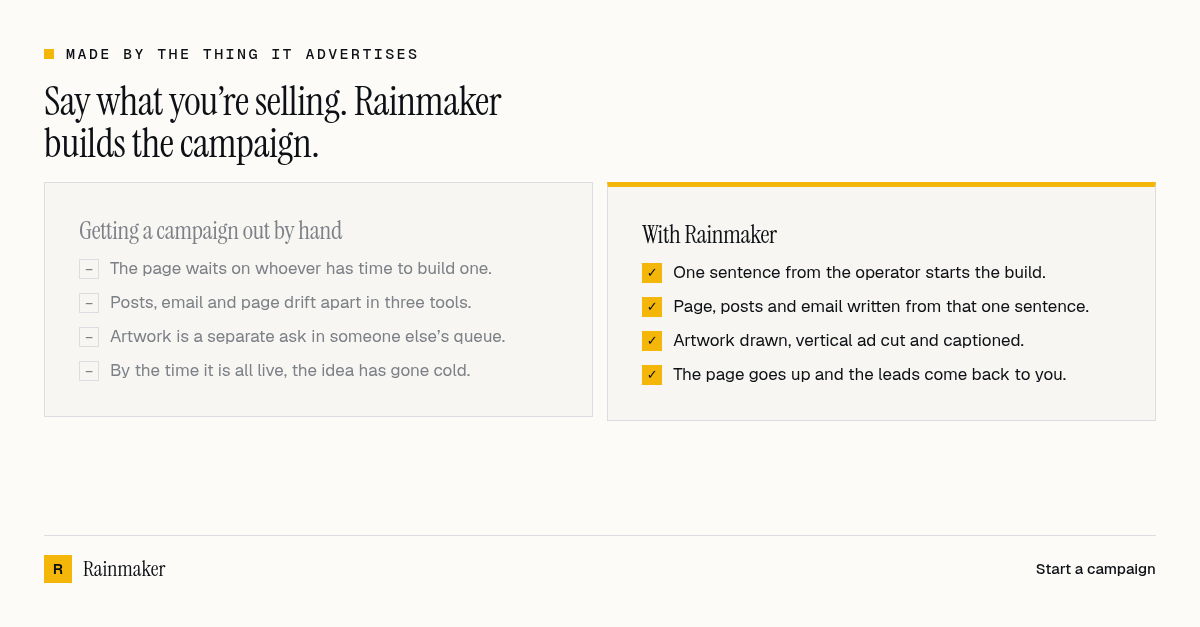
One infographic, cut three ways.
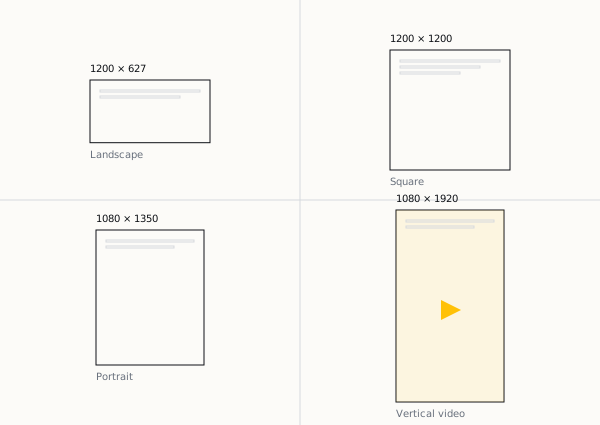
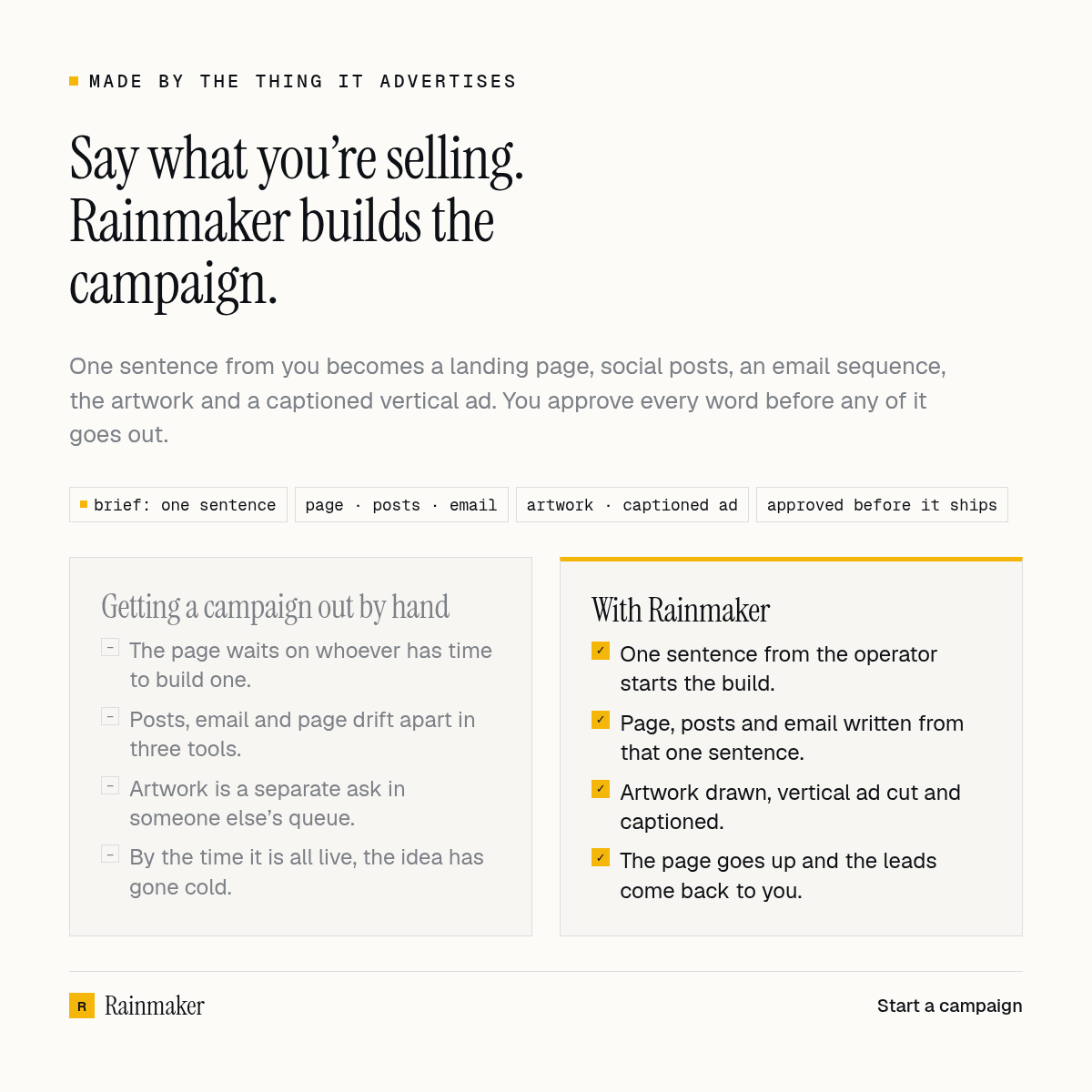
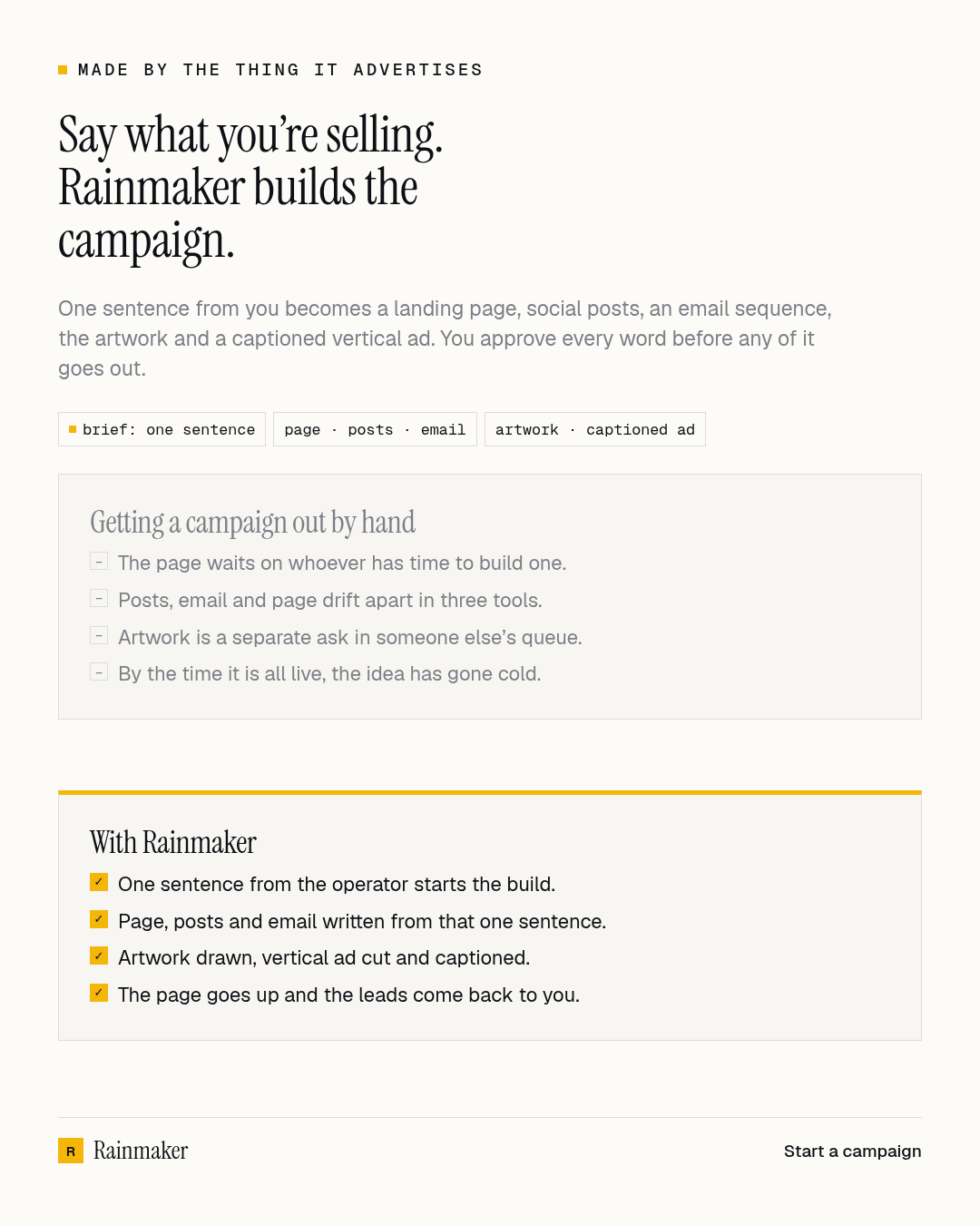
A timeline wants 1200 × 627. A feed wants a square. A story wants 1080 × 1350. The campaign renders all three from the same copy and the same brand file, so the headline in a portrait is the headline in the landscape — they cannot drift.
They are shown here at their true proportions, which is the whole point: a portrait is tall. Forcing three different shapes into three equal cells would quietly delete the thing being claimed. The square crop is at the top of this page.
And a version that moves.
The same square artwork, drawn out over forty frames so each line arrives on its own. It is what goes in the feed when a still gets scrolled past.
It sits still until you press the button. 292 KB is not something to spend on somebody’s data plan without asking, and nothing on this site autoplays.
It cuts the ad, captions it, and reads it aloud.
Twenty seconds at 1080 × 1920, several scenes cut from the same artwork, each fading up from the brand’s own ground rather than cutting. The captions are the voiceover’s own words, aligned to the recording so each one lands as it is said: the word being spoken takes the brand’s accent as a block behind it, the rest of the phrase sits back. That is how it reads with the sound off — which is how almost everyone will see it — and the voiceover is on the track for everyone else.
It is 4.0 MB. The page ships it with nothing preloaded but the poster frame, so it costs 31 KB until you decide to watch it.
It builds the page, not a picture of one.
The landing page waits for you like everything else. Approve it and it goes live at its own address on linkfa.de, with the capture form already wired to your lead list. Beside this is that exact file, rendered live — and below is a transcript of what the campaign wrote into it.
headline
lead
capture form
what it is checked against
You are good at the business. That is the hard part.
You know your stock, your margins, your customers and what Friday looks like. What you do not have is an afternoon to write a landing page, cut it down for WhatsApp, cut it down again for Instagram, draft three follow-up emails and then chase whoever replied.
Rainmaker is the part of a marketing department you can brief in one sentence. You keep every judgement call — what to sell, what to promise, what actually goes out. It does the typing, the sizing and the scheduling, and it drafts the follow-up for you to read.
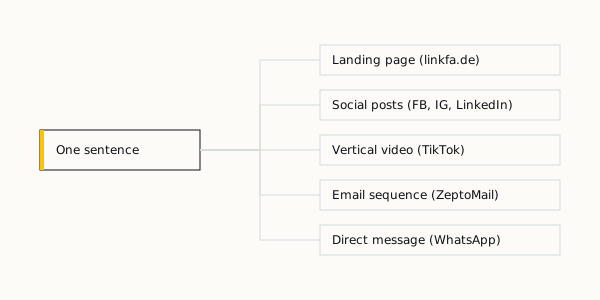
What actually happens
01
You describe the goal
One line: what you want to sell, to whom, by when. If you would rather choose than write, it reads the brand notes, the customer profile and the documents already in your workspace and proposes goals to pick from.
02
It drafts the campaign
A strategy note, landing-page copy, a post for each channel you picked, and a follow-up sequence with a delay on every step — all written against the voice rules saved on your brand, which are enforced when the assets build rather than checked afterwards.
03
It makes the artwork too
Everything at the top of this page: the comparison infographic in three shapes, the animated version for the feed, and the captioned ad with its voiceover — all drawn from that same copy and your brand’s own colours and logo.
04
Nothing goes out until you say so
Every post waits in an approvals list with the exact text that would go out, and so do the landing page and each follow-up message — none of it reaches anyone until you say so. You approve each one or you discard it. Auto-send exists, but it is off, and you turn it on one campaign at a time.
05
It publishes what you approved
Approved posts go to the accounts you connected, on schedule. An approved landing page goes live at its own address on linkfa.de with the capture form wired up. Someone who signs up there and agrees to be contacted starts on the follow-up messages, and each one comes to you for approval before it is sent.
06
Leads come back to you
A sign-up on the landing page becomes a lead in your workspace, with the name and the number or address they gave and where they came from, and you can see how many arrived each day, and you move each one through your own stages. Scoring leads against your ideal customer, and counting clicks and opens, are not built yet.
What it can connect to
You connect an account once, by signing in to it or, for WhatsApp, scanning a code. Rainmaker only ever acts on the channels you connected, and disconnecting one deletes the credentials it was holding.
- Your own phone, paired by QR code. The WhatsApp follow-ups go from it to people who signed up and agreed to be contacted. Messages only — it cannot post to a feed.
- Facebook Page
- Posts, with images, to a Page you connect.
- Posts, with images, to a connected professional account.
- TikTok
- Posts video to a connected account.
- Posts, with images, to the LinkedIn account you connect.
- ZeptoMail
- The email service Rainmaker sends through. It is one shared sender that Rainmaker runs, not your own address, and there is nothing of yours to sign in to. It sends the follow-up emails to people who signed up.
- Zoho Campaigns
- You can connect an account by signing in, but nothing in a campaign uses it yet.
What it does not do
It does not buy or manage advertising, and it does not do cold outreach: WhatsApp is meant for numbers you already deal with, and bulk messaging strangers is how accounts get banned. It writes, it publishes what you approve, and it collects the leads that come back — it does not know whether your offer is a good one, and it will not check a price or a promise for you. Read what it drafted before you approve it.
Everything on this page came out of one campaign. Yours starts the same way it did — with a sentence.